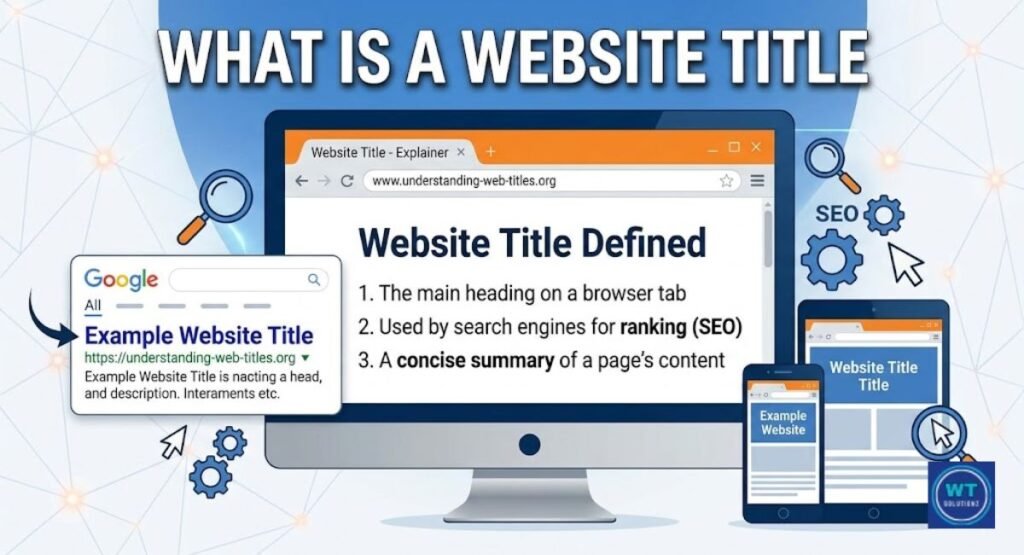
You’ve already seen it. That little text that is currently on the tab of your browser. The majority of people totally disregard it. Ignoring it, however, is a costly error if you’re developing a website or attempting to rank on Google. Within the structure of your HTML document is a tiny piece of metadata called the title tag.
It clearly communicates to Google and browsers the purpose of your page. It immediately influences the number of individuals who click your link and appear in the SERPs (Search Engine Results Pages). The first step to higher rankings is understanding where to put the title tag in HTML. Now let’s get started.
Where to Put the Title Tag in HTML?

Your HTML page’s <head> section contains the title tag. Not within the body. In the <head> all the time. Every browser, including Google, anticipates its presence. This is where it should be placed. There are no exceptions.
Your page’s metadata, not its visible content, is stored in the <head> section. This is where your title tag, character encoding, and meta description reside. A fundamental yet crucial component of technical SEO is getting this right.
1. The Correct Placement Inside the <head> Section
The structure of your HTML page is obvious. <head> and <body> are contained within <html>, which is at the top. Before scripts and stylesheets, the title tag should be positioned inside <head>. This improves crawlability and increases Google’s reading speed.
Set it high. Numerous additional tags shouldn’t obscure it. For your technical SEO and overall HTML site layout, early placement inside the <head> section is a small but logical choice.
2. A Simple HTML Code Example
Here is the correct way to write it:
html
<!DOCTYPE html>
<html lang=”en”>
<head>
<meta charset=”UTF-8″>
<title>Where to Put the Title Tag in HTML? Correct Placement Guide</title>
<meta name=”description” content=” Learn the correct placement of the title tag in HTML.”>
</head>
<body>
<h1>Where to Put Title Tag in HTML?</h1>
<p>Your page content goes here.</p>
</body>
</html>
And here is the wrong way:
html
<!DOCTYPE html>
<html lang=”en”>
<body>
<title>Wrong Placement Example</title>
<h1>Page Heading</h1>
</body>
</html>
In the second form, the title appears inside <body>. That ruins your search snippet and greatly confuses Google.
Title Tag vs. H1 Tag: Understanding the Difference
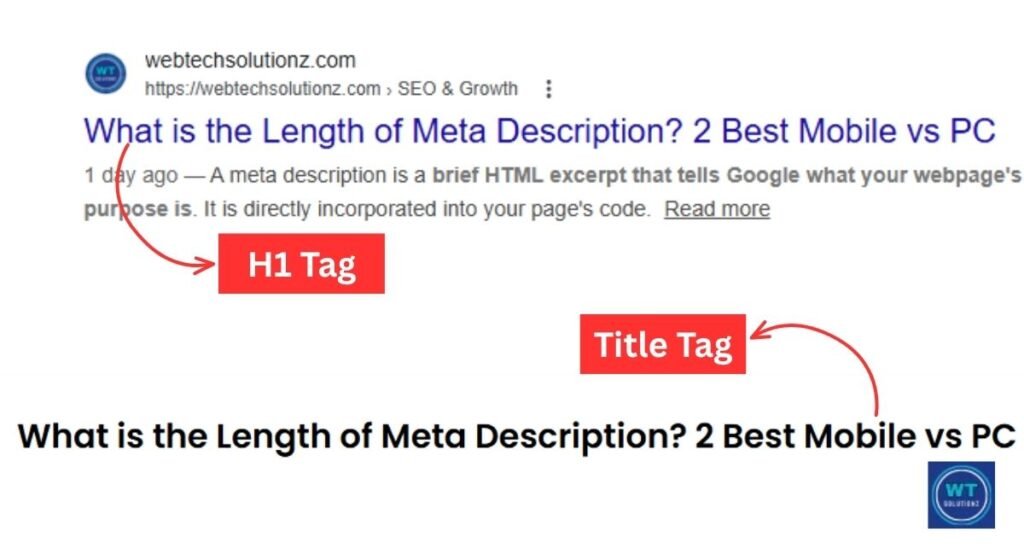
People frequently mix up these two. They have similar sounds. However, they have quite diverse functions, and misinterpreting them will negatively impact your user experience (UX) and rankings.
The title tag is hidden in the <head> portion of your source code. It is never visible to visitors to the page. When your viewers land, they may see the text in the H1 heading. For quite different reasons, both are ranking variables.
1. The Browser Tab vs. the Webpage Content
Consider it simply. Google and the browser tab both communicate using the title tag. The H1 heading addresses the page’s readers. One works with machinery. Individuals assist one another.
| Feature | Title Tag | H1 Tag |
| Location | Inside <head> | Inside <body> |
| Visible on Page? | No | Yes |
| Shows in the Browser Tab? | Yes | No |
| Appears in Google SERP? | Yes | Rarely |
| SEO Role | Search Intent signal | Content relevance signal |
| Web Accessibility | Helps screen readers | Helps users navigate |
Why the Title Tag is Important for SEO Ranking
The title tag is one of the most well-known and trustworthy ranking factors in Google’s algorithm. It lets Google know about the subjects you cover on your page. It also lets consumers know whether to click or keep scrolling.
It has a direct impact on your click-through rate (CTR). An attention-grabbing title attracts clicks. More clicks signal relevance to Google. Higher ranks are correlated with more significance. The first step is to understand where to put the title tag in HTML.
1. Helping Google Understand Your Page Topic
Your source code is read from top to bottom by Google’s crawlers. One of the first clues they discover is the title tag. It quickly and plainly informs Google of the topic of your page. This helps match your page to the appropriate search intent and directly aids crawlability.
Google uses your title tag to generate the clickable headline in search results, according to Google’s own documentation. Google guesses if you ignore it. Furthermore, your guess is almost always superior to Google’s.
2. Improving Your Click-Through Rate (CTR)
The first thing a searcher sees in Google results is your title tag. Clicks are earned by titles that are clear and pertinent. A title that is weak or chopped off is omitted. It’s actually that easy.
Backlinko’s study indicates that the average click-through rate (CTR) for the top organic result on Google is 27.6%. One of the most important factors in achieving the top rank is the clever arrangement of keywords in your title.
Best Practices for Google Search Ranking
These are not conjectures. These are tried-and-true rules supported by actual SEO data and Google’s own policies. Your title tag will start working hard for you every single day if you follow it.
Choosing the appropriate words, length, and arrangement are all important aspects of writing a powerful title. It seems like a lot. However, it takes less than five minutes per page after you understand the guidelines.
1. Keeping the Title Length Between 50-60 Characters
Google truncates titles by a pixel width of about 600 pixels on a PC. In actuality, your safe range is between 50 and 60 characters. If you go beyond that, the SERP (Search Engine Results Page) will truncate your title.
| Title Length | Result in SERP |
| Under 50 characters | May look thin or weak |
| 50-60 characters | Displays fully on most devices |
| Over 60 characters | Gets cut off with “…” |
Use Portent’s SERP Preview Tool to check your title before publishing. Free and fast.
2. Placing Your Main Keyword at the Beginning
Put your main keyword front and center. Google is a left-to-right reader. People read from left to right. Start with the most crucial term. This is effective keyword placement.
Examine these two titles:
Weak: “A Complete Guide to HTML and Where the Title Tag Goes in Your Code”
Strong: “Where to Put Title Tag in HTML? Correct Placement Guide”
Every time, the strong version prevails. Right in the beginning is the main keyword. Within the first few phrases, the search goal is evident.
3. Creating a Unique Title for Every Page
Each page must have its own title. Not a single duplication. Don’t copy and paste carelessly. Duplicate titles make it difficult for Google to determine which page to rank and negatively impact your website’s crawlability.
Use Google Search Console to look for duplicates for free. It highlights titles that are overly long, duplicate, or missing. One fundamental yet effective technical SEO habit that is worth developing is using unique names.
Common Mistakes to Avoid with Title Tags
Every day, these errors cause harm to websites. The majority of website owners are unaware that they are creating them. The good news is that if you know what to look for, they are simple to identify and much simpler to solve.
Here, avoiding undesirable practices keeps your User Experience (UX) great on every page and safeguards your relevance signals.
1. Avoiding Keyword Stuffing
Packing too many keywords into a single title is known as “keyword stuffing.” It appears to be spam. Google is aware that it is spam. Furthermore, rather than raising your relevance score, it actually lowers it.
Stuffed title: “HTML Title Tag, Title Tag HTML, Where to Put Title Tag, HTML Title Tag Placement.”
It is not readable. Five keywords crammed together are usually inferior to one distinct core keyword put naturally. Maintain a clear and truthful title.
2. Fixing Missing or Empty Title Tags
If the title tag is absent, Google will create one for you. It extracts text at random from the content of your page. Almost invariably, the outcome is subpar. Your CTR decreases, and your search snippet deteriorates.
Screaming Frog SEO Spider can quickly find missing title tags. It scans your entire website and highlights any titles that are missing or empty. Next, properly write each page’s title and insert it into the <head> section.
Does the Position Inside the <head> Section Matter?
Indeed. A tiny bit. In theory, any tag inside the <head> section will function. However, it is better to put your title tag before scripts and stylesheets. It maintains your HTML document structure tidy and makes it easier for Google to find.
Page rendering is also aided by early placement. Parsing can occasionally be delayed by scripts. That risk is eliminated by placing your title first. It’s merely a solid technical SEO discipline worth developing as a habit, and it requires no additional work.
How Title Tags Appear on Mobile vs. Desktop Devices
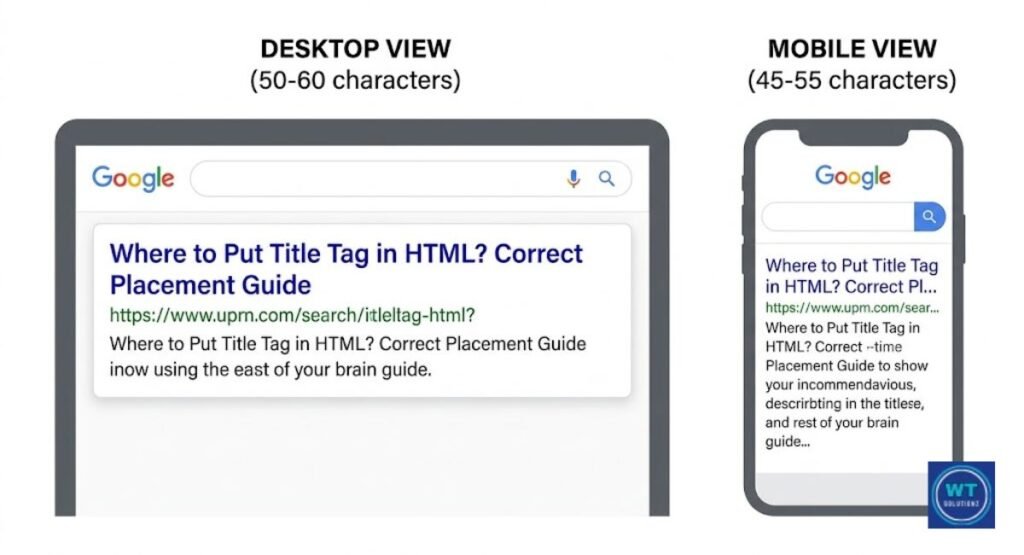
Depending on the size of the screen, your title appears differently. More characters are displayed on the desktop. There are fewer on mobile. You run the risk of truncation on the other if you simply optimize for one.
| Device | Approx. Character Limit | Risk |
| Desktop | 55-60 characters | Cuts off after 60 |
| Mobile | 45-55 characters | Cuts off sooner |
| Google Discover | Varies | Clarity matters most |
| Voice Search | Full title read aloud | Simple words work best |
Try to keep your title to no more than 55 characters. Start with your primary keyword. Even if the end is cut off, the most important part remains visible. This protects your click-through rate (CTR) and user experience (UX) on all devices.
Final Checklist for Optimizing Your Title Tag
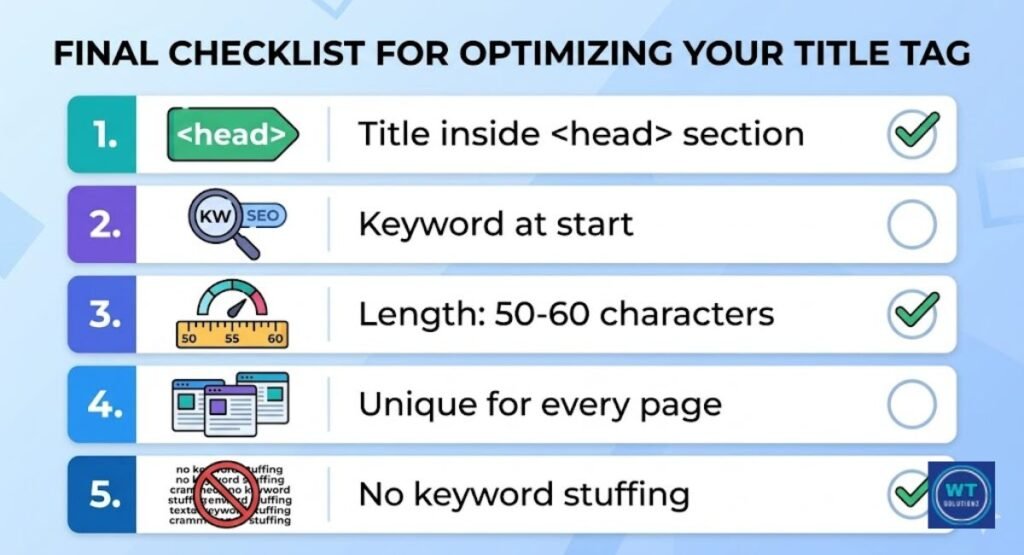
Before releasing any pages, review this short checklist. In just two minutes, it can greatly improve the search engine ranking of your page.
| Task | Status |
| The title tag is inside the <head> section | Done |
| Primary keyword appears near the start | Done |
| Title is between 50-60 characters | Done |
| The title is unique across all pages | Done |
| No keyword stuffing present | Done |
| Tested on the mobile SERP preview tool | Done |
| Title matches actual page content | Done |
| Meta description is written and paired | Done |
| Checked for truncation using the preview tool | Done |
| Verified inside Google Search Console | Done |
See Also:
What is a Website Title
How to Write Catchy Website Titles
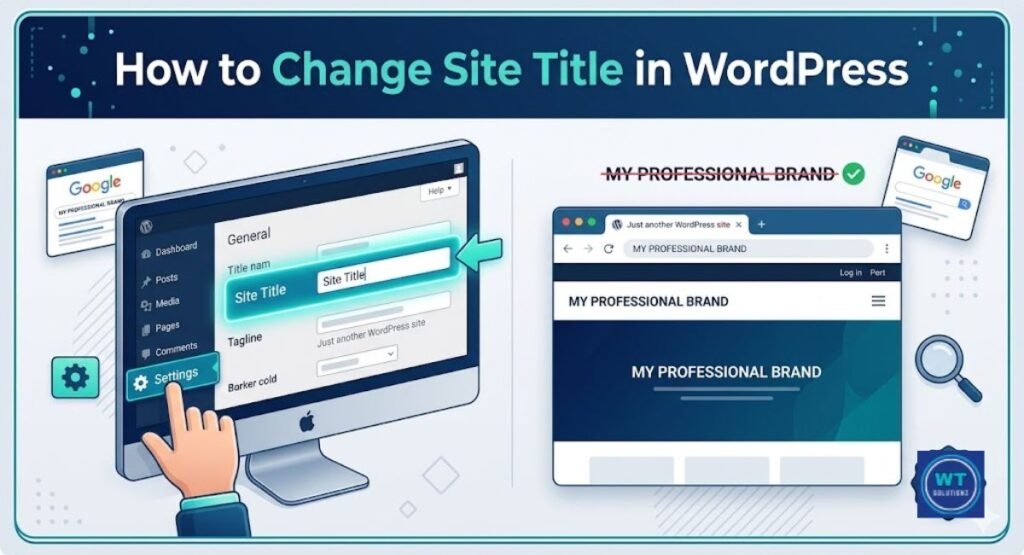
How to Change Website Title in WordPress
FAQs
Where exactly do you put the title tag in HTML?
It is placed into the HTML page’s <head> section. Put it ahead of stylesheets and scripts. That is always the right position.
Can I have more than one title tag on a page?
No. Each page should only have one title tag. If you unintentionally add two, browsers read the first one. However, it generates jumbled source code and misleads Google about the substance of your page.
Does the title tag have to match the H1 tag?
Not exactly. They can be similar, but they don’t have to be the same. Your title tag’s objective is the browser tab and SERP. Your H1 title focuses on the readers of the page. Instead of copying, they work together.
What happens if my title tag is too long?
Google truncates it in search results. When your title ends in “…”, your click-through rate (CTR) decreases; this is called truncation. Use no more than 60 characters just to be safe.
Can Google change my title tag in search results?
Yes. Sometimes Google rewrites your title when it finds that it doesn’t match the search intent of a query. Write clear, concise headlines that match the content of your website to reduce the possibility of this happening.
Is the title tag the same as the meta title?
Indeed. They are referring to the same thing. The <title> element that is located inside your <head> section is also known as the meta title.
Does the title tag affect local SEO rankings in the USA?
Yes. Including your city or region in the title tag increases its relevance for local searches. For example, “Best HTML Services in Chicago | Your Brand.” This would be a smart move for any US-based business looking to draw in local clients.
Final Thoughts
This is the main point. One of the easiest and most effective things you can do for your website is to know where to put the title tag in HTML. It should be in the <head> section. Each page. Every single time.
Don’t stay too long. Put your primary keyword at the front and prominently. Give a unique title to each page. Before publishing, proofread your work as well. Your title tag appears in bookmarks, the browser tab, and the SERP (Search Engine Results Page). It’s the first impression of your page. Think about it that way.
Use Screaming Frog or Google Search Console to check your title tags right now. Make the necessary repairs. Strengthen the weak points. And begin using the title tag as the effective SEO tool that it is.